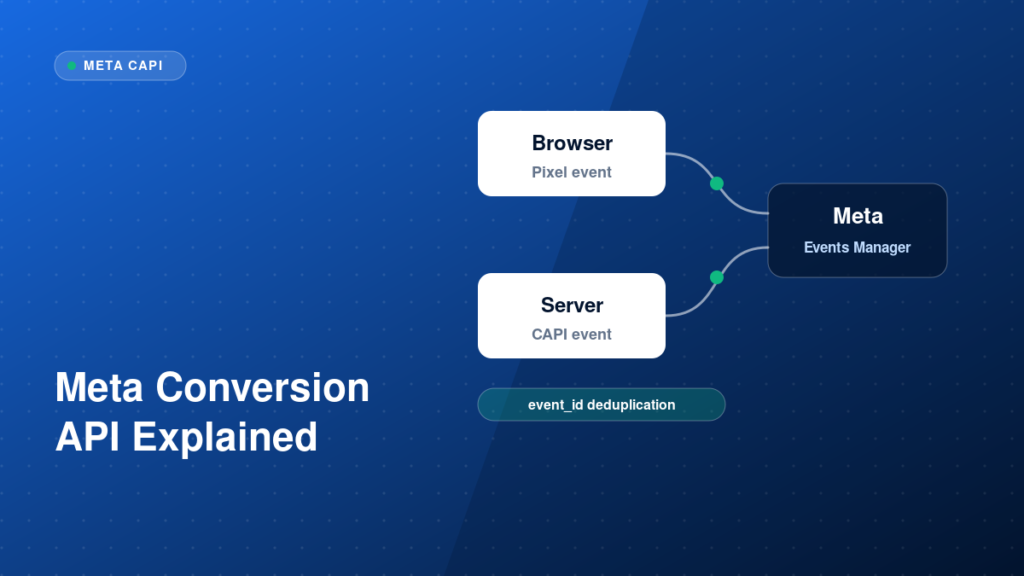
Browser-only Meta Pixel tracking loses data to ad blockers, browser privacy features and consent choices. The Meta Conversions API (CAPI) sends events from your server to Meta as well, which helps recover some of that signal. Used together, they need careful event matching and deduplication. This guide explains how the pieces fit.
Key takeaways
- The Pixel sends events from the browser; CAPI sends them from a server.
- Using both is recommended, but only if events are deduplicated with a shared event_id.
- Better customer information parameters improve event matching quality.
- Test in Meta Events Manager, not only in the browser.
Why the Meta Pixel alone is not enough
The browser Pixel depends on the visitor loading scripts and accepting cookies. When that fails, Meta receives no event and cannot attribute the conversion to an ad. CAPI adds a second route from your server, so more events can arrive. The risk is counting the same purchase twice, which is why deduplication matters.
Our Meta Pixel and CAPI service covers the full setup and validation.
Step-by-step implementation
1. Set up the Pixel correctly first
Install the Pixel and send standard events such as Lead, Purchase and AddToCart with the right parameters. CAPI builds on a working browser setup, so fix this layer first.
2. Choose how to send server events
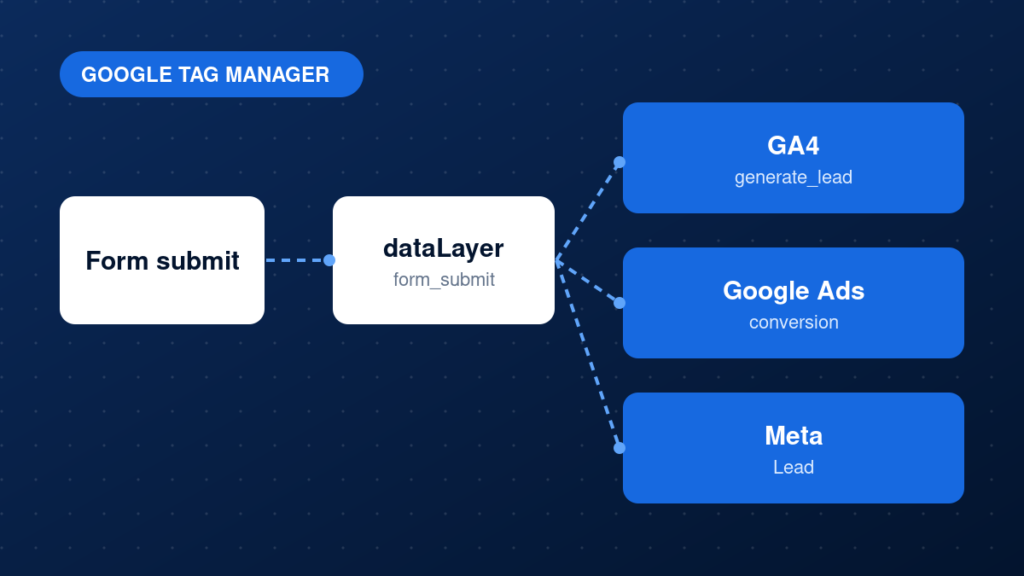
Common options are a server-side GTM container, a partner integration from your platform or a direct API integration from your backend. The right choice depends on your stack and how much control you need.
3. Generate an event_id and reuse it
Create a unique event_id for each action and send the same value with the browser event and the server event. Meta uses it, together with the event name, to deduplicate.
4. Send customer information parameters
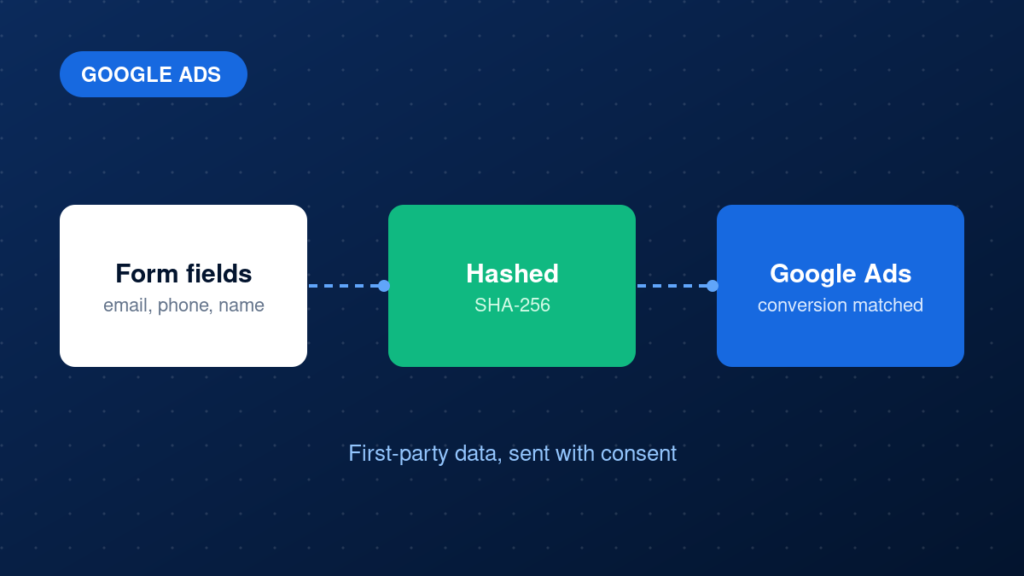
Include hashed customer data such as email and phone where you have consent, plus the fbp and fbc values from the browser cookies. More matching parameters usually improve event match quality.
5. Monitor in Events Manager
Review the Test Events tab, deduplication status and event match quality after launch, and keep watching them over time.
Example: browser and server events sharing one event_id
// Browser
fbq('track', 'Lead', {}, {eventID: 'lead_8f3a2c'});

// Server (CAPI payload excerpt)
{ "event_name": "Lead", "event_id": "lead_8f3a2c", "action_source": "website" }
Common mistakes
- Sending browser and server events without a matching event_id.
- Using different event names on the browser and the server.
- Sending unhashed personal data where hashing is required.
- Ignoring consent when sending customer information.
- Not checking deduplication after launch.
Testing and validation
Open Events Manager, use Test Events and trigger the action on your site. Confirm both browser and server versions of the event arrive and that Meta shows them as deduplicated. Review the event match quality score and the parameters received, then compare event volume with real leads or orders over several days.
Practical checklist
- Pixel events fire correctly in the browser
- A unique event_id is generated per action
- The same event_id is sent from browser and server
- fbp and fbc are passed when available
- Customer data is hashed and sent only with consent
- Deduplication confirmed in Events Manager
- Event match quality reviewed
- Data compared with real orders or leads
FAQ
Do I still need the Pixel if I use CAPI?
Yes. Meta recommends sending events from both the browser and the server, with deduplication.
Is CAPI only for e-commerce?
No. It works for leads, bookings and other conversions too.
Does CAPI replace consent?
No. You still need to respect user consent and privacy laws. See browser vs server-side tracking for the wider picture.
Next steps
A correct Pixel and CAPI setup gives Meta cleaner signals to optimise against. If you want it built and verified, see our Meta Pixel and CAPI service.