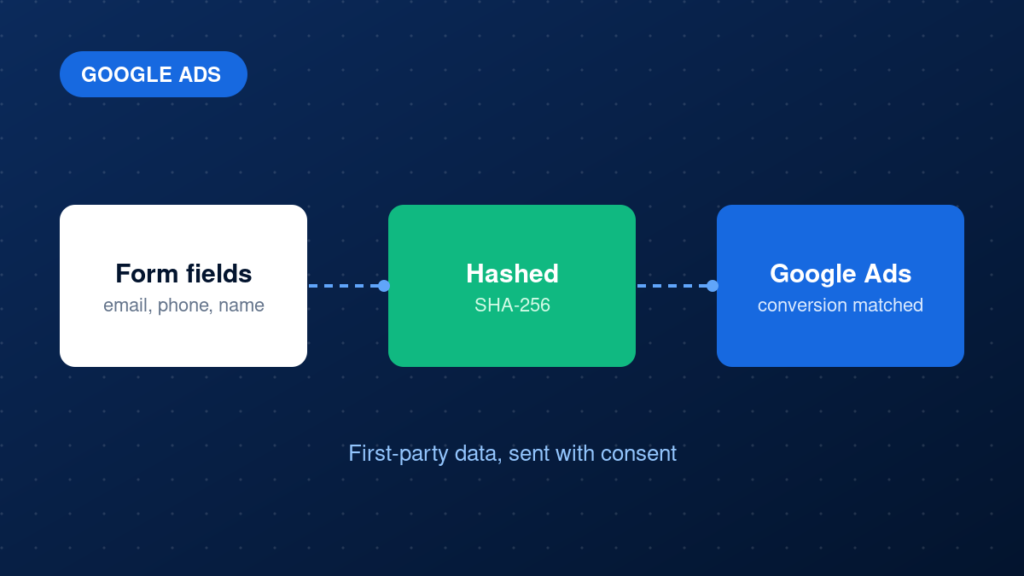
Enhanced conversions help Google Ads match your conversions to the ads people interacted with, using first-party customer data you already collect, such as an email address on a lead form or checkout. The data is hashed before it is sent. This guide explains what enhanced conversions are, how to set them up and how to check they work.
Key takeaways
- Enhanced conversions supplement your existing conversion tags; they do not replace them.
- They use hashed first-party data such as email and phone, collected with proper consent.
- You can implement them through GTM, the Google tag or the API, depending on your setup.
- Validate in the Google Ads diagnostics, not only in the browser.
What problem enhanced conversions solve
Conversion tags depend on cookies and click identifiers. When those are missing, because of browser limits or consent choices, a real conversion may not be matched to the ad that drove it. Enhanced conversions add a hashed customer identifier to the conversion, so Google can attempt a match using signed-in Google account data. This can improve measurement without exposing raw personal data.
They work best when the underlying conversion tracking is already correct. Our Google Ads conversion tracking service and enhanced conversions page explain how we approach it.
Step-by-step implementation
1. Check your baseline conversion tracking
Enhanced conversions sit on top of an existing conversion action. Confirm that the base action records correctly before adding anything.
2. Review policy and consent
Make sure your privacy policy covers this use of customer data, and that you collect and honour consent where required. Do not send data you are not allowed to send.
3. Turn on enhanced conversions in Google Ads
In the conversion settings, enable enhanced conversions and accept the customer data terms. Choose the setup method that fits your stack, such as Google Tag Manager or the Google tag.
4. Capture the first-party data
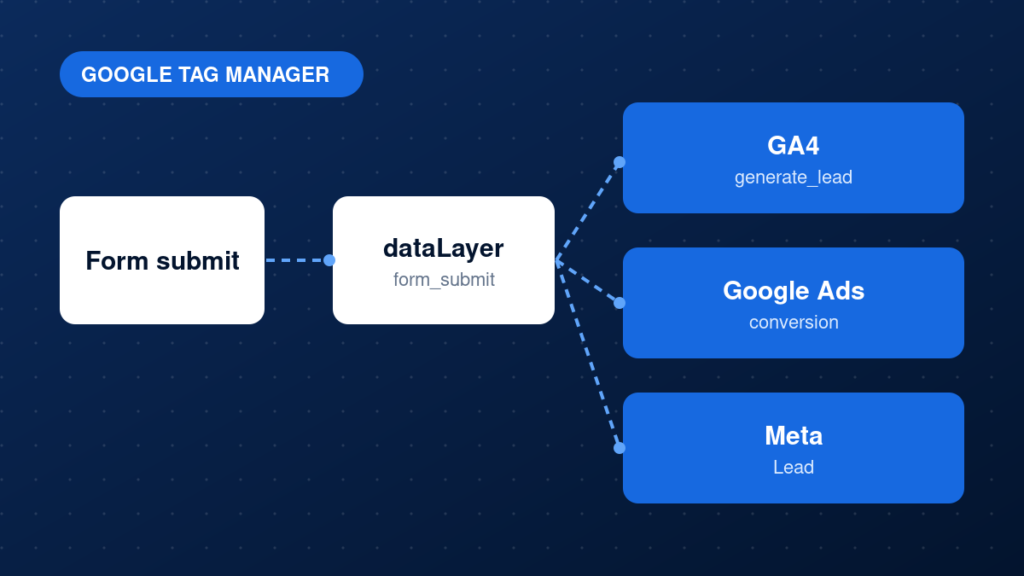
Collect the email address and, if available, phone number, name and address from the form or checkout. Use a user-provided data variable in GTM, or push the values to the dataLayer on the success event.
5. Send the data with the conversion
Attach the user-provided data to the Google Ads conversion tag. Google hashes it with SHA-256 before it leaves the browser. Normalise values first, for example lowercase and trimmed emails.
6. Check diagnostics
In Google Ads, open the conversion action diagnostics and review the enhanced conversions status. It shows whether data is being received and processed.
Example: dataLayer values for user-provided data
window.dataLayer.push({
  event: 'generate_lead',
  user_data: {
    email: 'name@example.com',
    phone_number: '+15551234567'
  }
});
Common mistakes
- Sending data without valid consent or a privacy policy that covers it.
- Not normalising email addresses before hashing.
- Assuming enhanced conversions replace the basic conversion tag.
- Capturing the wrong form field, such as a company email placeholder.
- Never checking the diagnostics report.
Testing and validation
Submit a test form with a real test email and use GTM Preview to check that user-provided data is populated and attached to the conversion tag. Then check the enhanced conversions diagnostics in Google Ads. It can take some time to show data, so recheck after a day or two.
Practical checklist
- Base conversion tracking works
- Privacy policy and consent reviewed
- Enhanced conversions enabled in Google Ads
- Email and phone captured on the success event
- Values normalised and sent with the tag
- No raw personal data appears in analytics
- Diagnostics show data received
- Results monitored after launch
FAQ
Does Google receive the raw email address?
Google hashes the data before it is sent from the browser, and it is used for matching. You still must have a lawful basis and respect consent.
Are enhanced conversions for leads different from enhanced conversions for web?
Enhanced conversions for leads are for cases where you upload lead conversions later from a CRM, using the same hashed data idea.
Will they fix missing conversions on their own?
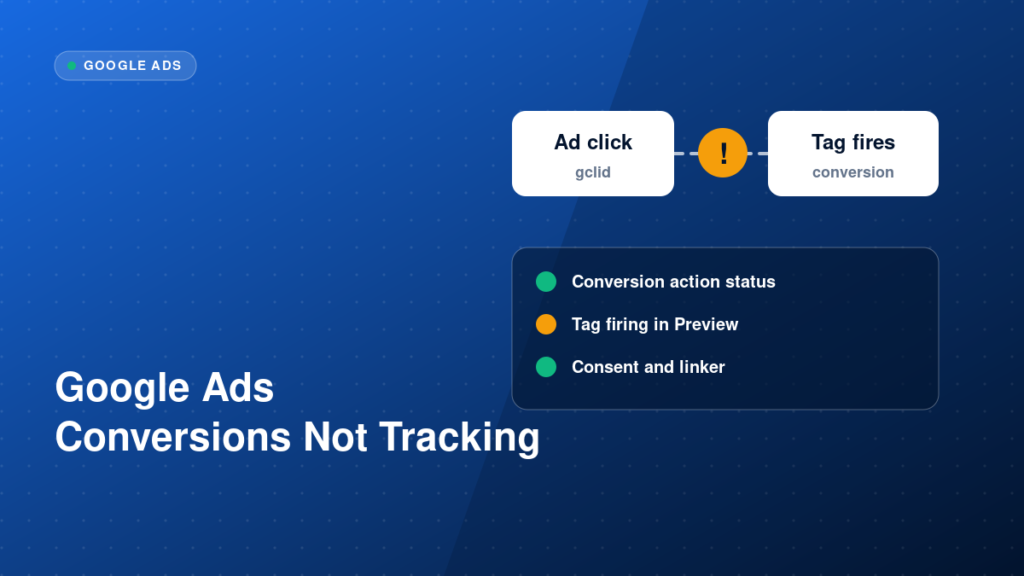
Not if the base tag is broken. Start with why Google Ads conversions are not tracking.
Next steps
Enhanced conversions are a useful extra layer once the basics are solid. To have them implemented and validated, explore our enhanced conversions service or Google Ads conversion tracking.