In GA4, everything is an event. Some events are automatic, some are recommended and some are custom. A few of them represent outcomes that matter to your business, and those are marked as key events, which Google previously called conversions. Confusion between these terms leads to inflated numbers and messy Google Ads data. This guide clears it up.
Key takeaways
- An event is any interaction GA4 records; a key event is an event you mark as important.
- Google Ads conversion actions are separate from GA4 key events, even when they use the same data.
- Mark only real business outcomes as key events.
- Decide which system is the primary source for bidding to avoid double counting.
Why the terms cause confusion
In Universal Analytics, goals were separate from events. In GA4, they are the same thing with a flag. On top of that, Google renamed GA4 conversions to key events, while Google Ads still uses the word conversions for its own actions. People therefore compare numbers from different systems and wonder why they differ.
Our GA4 configuration service sorts out event planning and key event setup.
Step-by-step implementation
1. Understand the event types
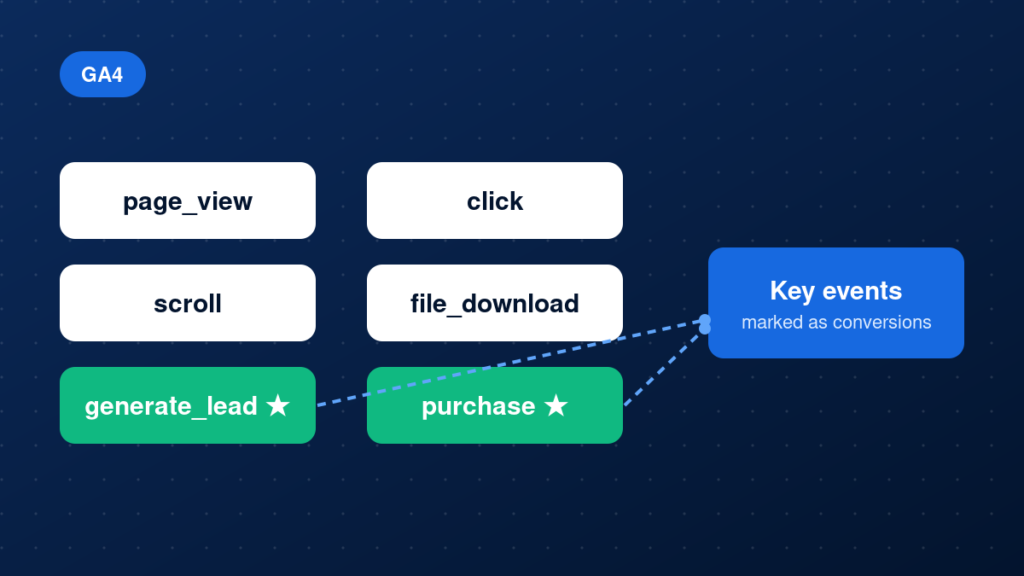
GA4 records automatically collected events such as page_view, enhanced measurement events such as scroll and file_download, recommended events such as generate_lead, and custom events you define.
2. Decide what is a key event
A key event should represent a real business outcome, such as a lead, a booking or a purchase. Micro-interactions like scrolls or menu clicks usually do not qualify.
3. Mark the event
In GA4 Admin, open Events and mark the event as a key event. Do this only after the event has been tested and is arriving correctly.
4. Understand the Google Ads connection
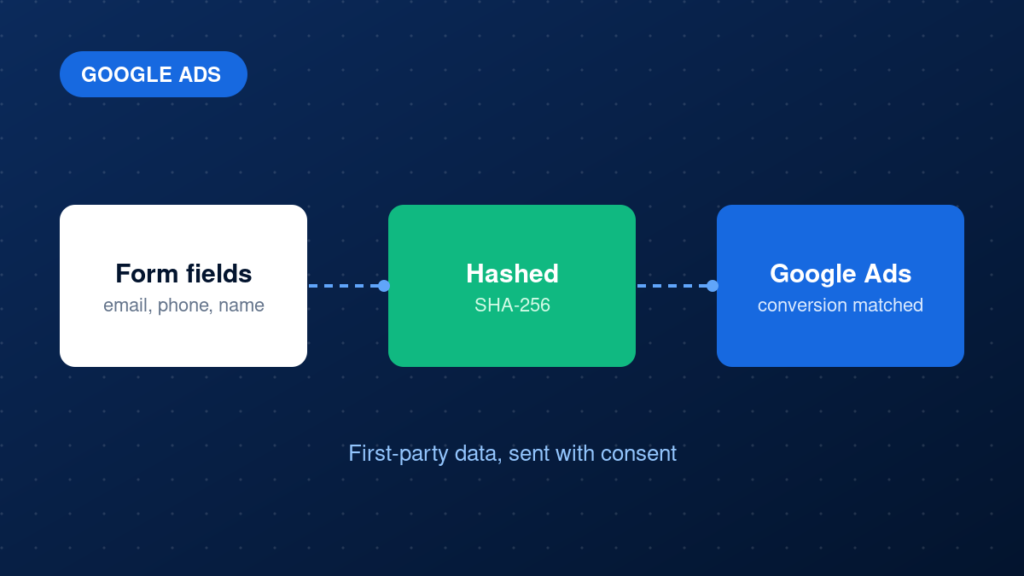
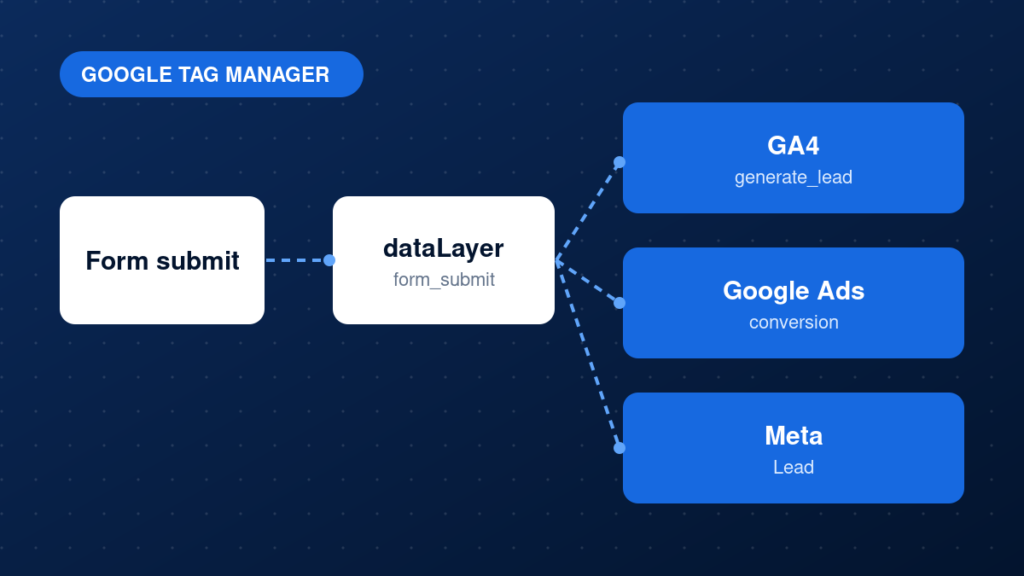
Link GA4 to Google Ads and import key events you want to use as conversion actions. Or use a Google Ads tag directly. Choose one primary source for each action.
5. Review regularly
Business priorities change. Revisit your key events every few months and remove any that no longer matter.
Example: an event that will be marked as a key event
gtag('event', 'generate_lead', {
  currency: 'USD',
  value: 50
});
Common mistakes
- Marking every event as a key event.
- Treating GA4 key events and Google Ads conversions as identical numbers.
- Importing a key event into Google Ads while also using a separate Ads tag for the same action.
- Changing event names after they have been marked.
- Expecting key event marking to change historical data.
Testing and validation
Use DebugView to confirm the event fires once with the expected parameters. After marking it, check the Key events report the next day. If you import it into Google Ads, review the conversion action status there and compare the numbers with a small, known set of test actions.
Practical checklist
- Business outcomes listed
- Only real outcomes marked as key events
- Events tested in DebugView
- Naming convention followed
- Google Ads import strategy decided
- No double counting between GA4 and Ads tags
- Key events reviewed regularly
- Reports explained to the team
FAQ
Did conversions disappear from GA4?
They were renamed key events. The idea is the same: important events flagged for reporting and optimisation.
How many key events should I have?
Only as many as you have real outcomes. A small set is easier to trust and optimise against.
Where can I learn more about setting them up?
Read our GA4 conversion tracking guide.
Next steps
Clear definitions make reporting and optimisation much easier. If you want a review of your GA4 events and key events, explore our GA4 configuration and tracking audit services.