Most websites have some conversion tracking, but few businesses know whether it is accurate. Leads may be counted twice, phone calls may not be tracked, and ad platforms may disagree with your CRM. A conversion tracking audit gives you a clear list of what is measured, what is not and what needs fixing.
Key takeaways
- Start with a list of every business action that matters.
- Map each action to where it is measured: GA4, Google Ads, Meta and your CRM.
- Test each conversion yourself and compare it with real records.
- Document findings and fix the issues that affect ad spend first.
Why you should audit conversion tracking
Ad platforms optimise toward the conversions you give them. If those conversions are missing, duplicated or measure the wrong thing, bidding and reporting both suffer. An audit compares what your tracking reports with what actually happened on the business side.
Our tracking audit service is built around exactly this process.
Step-by-step implementation
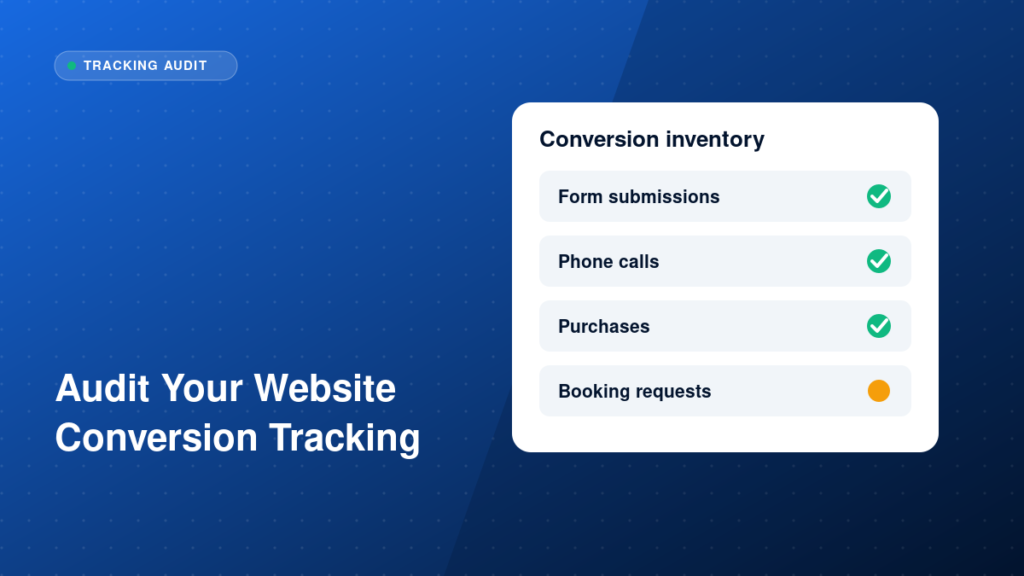
1. List your conversions
Include form submissions, phone calls, WhatsApp clicks, booking requests and purchases. Note which ones bring in revenue directly and which are early signals.
2. Map where each one is measured
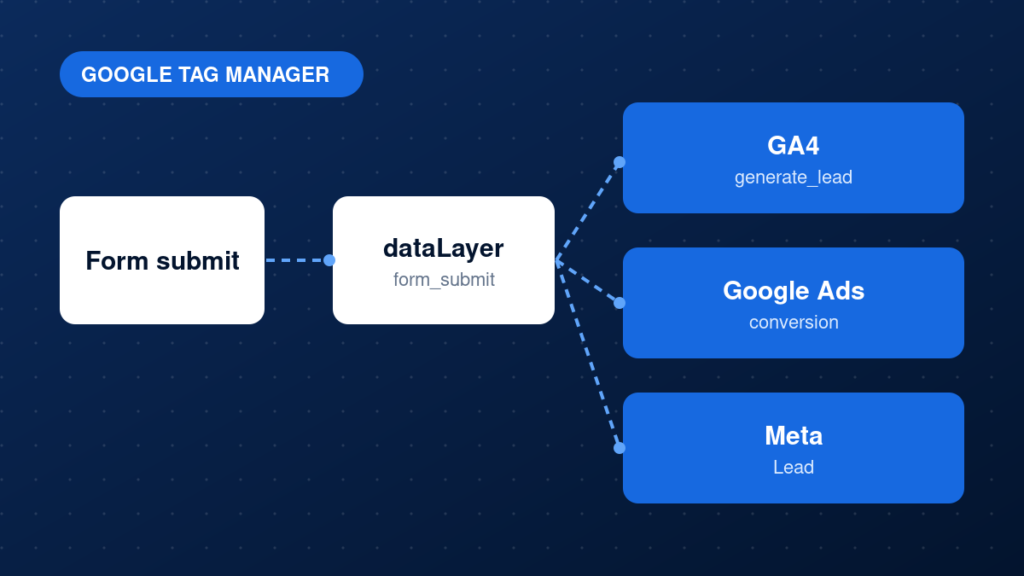
For each conversion, note whether it is tracked in GA4, Google Ads, Meta and your CRM, and by which tag or integration.
3. Test each conversion yourself
Complete each action on the site and check that tags fire once, in Preview mode and in each platform. Use real devices and different browsers.
4. Check for duplicates and gaps
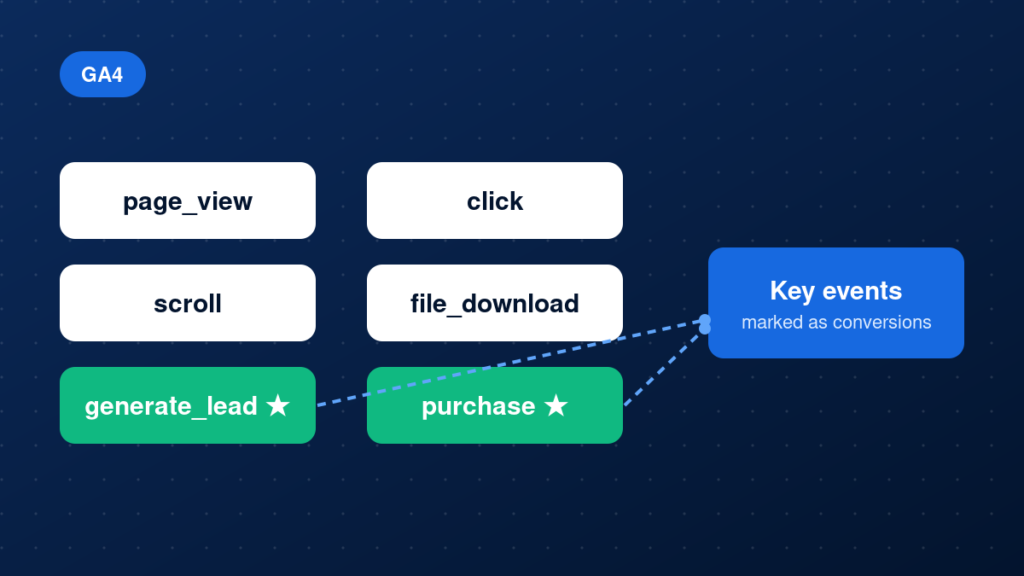
Look for the same action counted twice, for example a GA4 event and an imported key event in Google Ads, or a thank-you page that can be reloaded.
5. Review attribution and settings
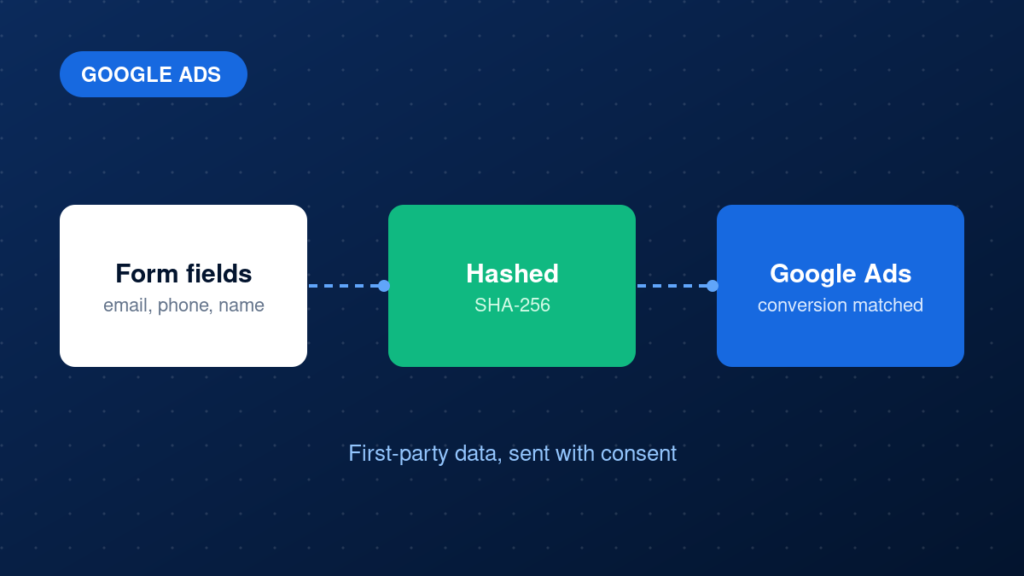
Check conversion windows, counting methods, consent handling and cross-domain tracking.
6. Compare platforms with real data
Compare GA4, Google Ads and Meta counts with CRM leads and orders. Small differences are normal; large gaps need investigation.
7. Document and monitor
Record what was found and fixed, and set a review schedule so problems do not return quietly.
Example: a simple conversion inventory
Action: Contact form
GA4: generate_lead (key event)
Google Ads: Lead (primary)
Meta: Lead (Pixel + CAPI)
CRM: matched by lead_id
Common mistakes
- Auditing tags without checking real business data.
- Counting page views of a thank-you page that can be visited directly.
- Tracking calls or WhatsApp clicks nowhere.
- Leaving old conversion actions active in Google Ads.
- Comparing platforms without accounting for attribution differences.
Testing and validation
Run each conversion end to end with test data. Confirm it appears once in GA4 DebugView, in Google Ads conversion status, in Meta Events Manager and in your CRM. Repeat after any fix and record the result.
Practical checklist
- Conversion list complete
- Each action mapped to every platform
- Every conversion tested on desktop and mobile
- No duplicates across GA4, Ads and Meta
- Consent and cross-domain settings reviewed
- Platform counts compared with CRM
- Findings documented and prioritised
- Next review scheduled
FAQ
How long does a tracking audit take?
It depends on the size of the site and the number of conversions. A small lead-generation site is much quicker than a large store.
Should I audit before or after launching ads?
Before, so the campaigns learn from accurate data from the start.
What is the difference between a GTM audit and a conversion audit?
A GTM audit reviews the container. A conversion audit follows real business actions through every platform. See the Google Tag Manager audit checklist.
Next steps
Accurate conversion data is the base of every marketing decision. If you would like a professional review, get a free tracking audit through our tracking audit service, or read why Google Ads conversions are not tracking.