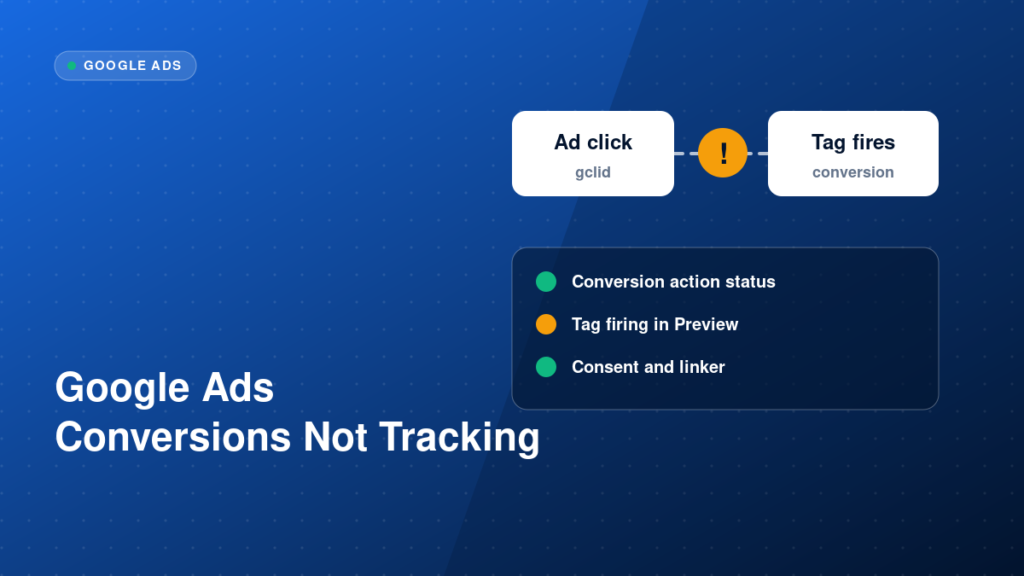
A Google Ads conversion action that shows “No recent conversions” or “Unverified” is one of the most common tracking complaints. The cause is rarely a single big failure. It is usually a small configuration gap between the Google tag, the trigger, the click identifier and consent. This guide gives you a structured way to find it.
Key takeaways
- Check the basics first: the Google tag, the Conversion Linker and the trigger.
- Conversions need a click identifier (GCLID or a similar parameter) to match back to an ad click.
- Consent settings can silently block conversion signals.
- Always confirm with Tag Assistant and the conversion action status, not only with the ad account totals.
What usually breaks Google Ads conversion tracking
Google Ads matches a conversion to an ad click using identifiers such as the GCLID. If the tag never fires, fires on the wrong page, or fires without the click identifier being stored, the conversion cannot be attributed. On top of that, consent banners, redirects that strip parameters and cached thank-you pages all cause missing conversions.
If you need this diagnosed properly, our Google Ads conversion tracking service covers setup, debugging and validation.
Step-by-step implementation
1. Check the conversion action itself
In Google Ads, open Goals and Conversions and check the status of the action. Confirm it is set to the right category, counts the right way (one per click for leads, every conversion for purchases) and has a realistic conversion window.
2. Confirm the Google tag and Conversion Linker
The Google tag must load on every page, and in GTM the Conversion Linker tag should fire on all pages so click identifiers are stored in first-party cookies. Without it, conversions may not be matched to clicks.
3. Check the trigger
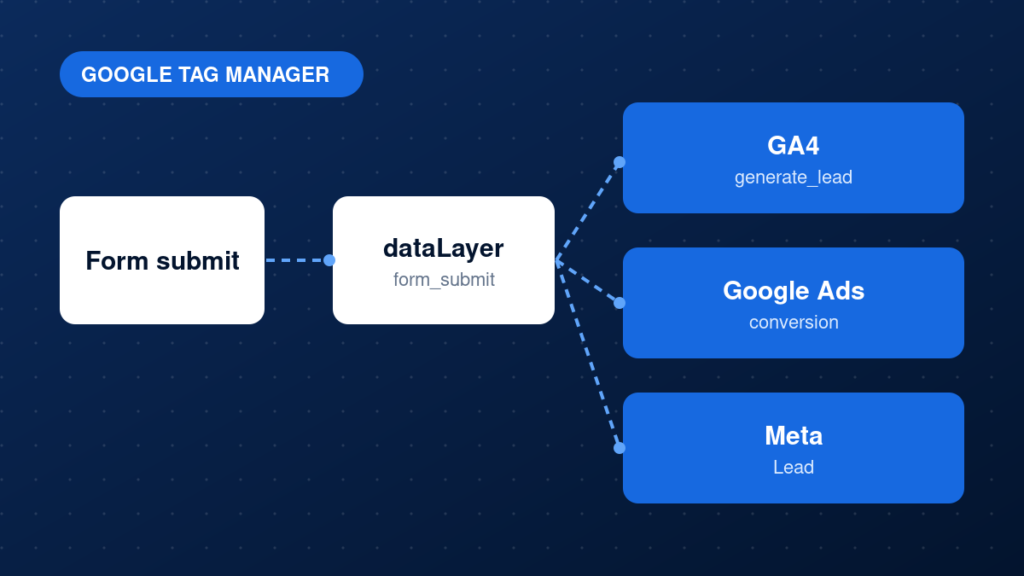
The conversion tag should fire only on the real success event, for example a form submission event or a thank-you page view. A trigger that is too broad inflates data, and one that is too narrow records nothing.
4. Verify auto-tagging and GCLID
Auto-tagging must be enabled in your Google Ads account settings. Then check that landing page URLs keep the gclid parameter and that redirects or form plugins do not strip it before the tag reads it.
5. Review consent handling
If you use a consent banner, make sure ad_storage and ad_user_data are set correctly through Consent Mode, and that tags wait for the consent state. Wrong defaults are a frequent cause of missing conversions.
6. Compare with GA4 or backend data
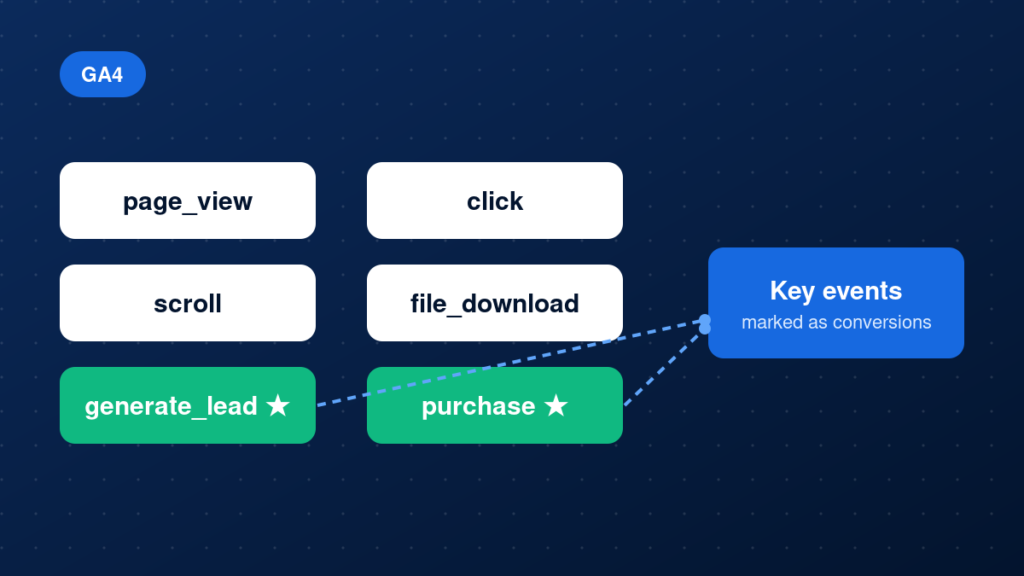
Compare Google Ads conversions with GA4 key events and real leads or orders. Small differences are normal, but large gaps point to a setup problem or a duplicate.
Example: a landing URL that carries a click identifier
https://example.com/landing-page/?gclid=EAIaIQobChMI...Common mistakes
- Using a thank-you page trigger on a page that is also reachable without submitting the form.
- Missing or late-firing Conversion Linker.
- Auto-tagging turned off.
- Firing the conversion tag on page load instead of on the success event.
- Counting both a Google Ads tag and an imported GA4 key event for the same action.
- Testing only in the Google Ads interface and never with Tag Assistant.
Testing and validation
Use GTM Preview and Google Tag Assistant to trigger the action and confirm the conversion tag fires once, with the correct conversion ID and label. Check the network request to Google for a conversion hit. Then watch the conversion action status in Google Ads; it can take several hours to update. Submit one real test lead from an ad click if you can, and confirm it appears.
Practical checklist
- Conversion action category and counting method correct
- Auto-tagging enabled
- Google tag and Conversion Linker firing on all pages
- Conversion trigger tied to the real success event
- Consent Mode configured and tested
- No duplicate conversion sources
- Tag Assistant shows one conversion hit
- Status in Google Ads changed to recording
FAQ
Why does Google Ads show fewer conversions than my CRM?
Not every lead comes from a Google ad click, and Google only counts conversions it can match. Ad blockers, consent choices and delays also reduce the count.
How long does it take for the status to update?
It can take a few hours, sometimes up to a day. Use Tag Assistant for immediate confirmation.
Do enhanced conversions fix missing conversions?
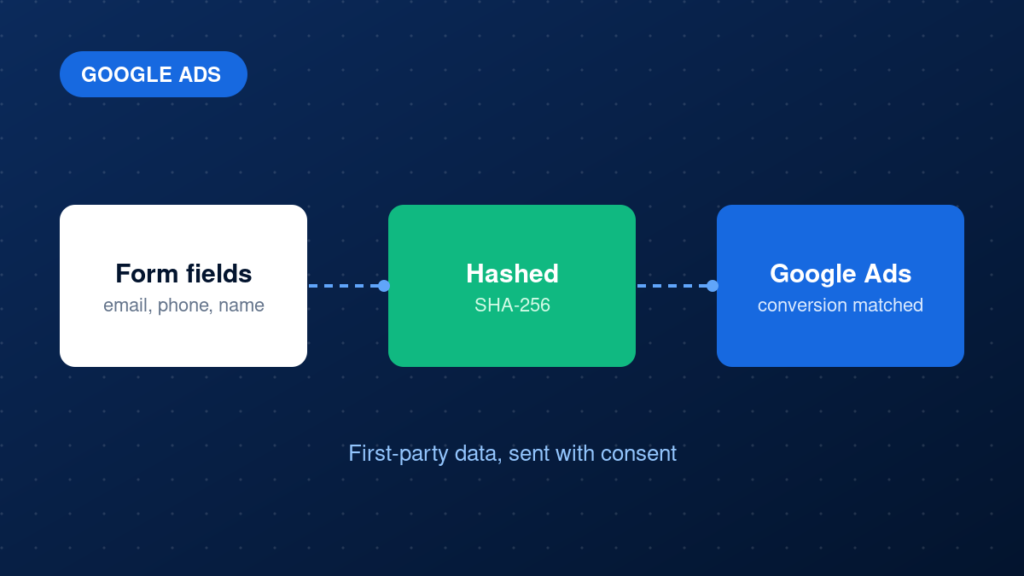
They can improve matching when first-party data is available. See Google Ads enhanced conversions for how they work.
Next steps
Missing conversions waste ad budget because bidding learns from bad data. If you want a specialist to find the cause, book a call through our Google Ads conversion tracking service, or read our guide on how to audit your website conversion tracking.